Hours of Excel every month
Balancing dozens of employees, positions and shifts eats up managers' time.
Konektor Shift automatically builds your teams' monthly schedule, tailored to your organisation and always under your managers' control.
Already scheduling with us
Konektor Shift is staff scheduling software that builds each department's complete monthly schedule in one click. It takes into account positions, shifts, minimum coverage, holidays, sick leave, availability and preferences. The manager reviews, adjusts, approves and exports it to Excel.
Dozens of employees, positions, shifts and absences. Every month, the same Excel puzzle.
Balancing dozens of employees, positions and shifts eats up managers' time.
Holidays, sick leave and availability force you to redo the schedule again and again.
Guaranteeing minimum staffing for every post, every day, is almost impossible by eye.
Uncovered gaps or missed rest days show up once the month has already started.
This is a real demo in miniature. Generate a proposal, click any cell to adjust it and regenerate: your changes are kept.
Click a cell to change the shift. Then click “Generate proposal”.
It adapts to your organisation, not the other way round. Each department sets its rules without a single line of code.

The engine does the heavy lifting. Your managers decide.
Conflicts and staffing needs flagged before the month starts, strict and flexible.
The engine never invents assignments: if staff is short, the gap stays visible so you decide.
Pin a shift by hand and regenerate: your manual changes are always kept.
Each head of department supervises and approves their schedule. Nothing goes out without their OK.
The month at a glance: active staff, shifts assigned, people on shift today and pending alerts.
Download the approved schedule in one click, in the format your team already knows.

What changes when the schedule is no longer built by hand.
| Task | With Excel | With Konektor Shift |
|---|---|---|
| Building the monthly schedule | Hours of manual work per department | Complete proposal in seconds |
| Holidays and sick leave | Redo the schedule every time they change | Logged once, schedule regenerates |
| Minimum coverage | Checked by eye | Set per post and day, with alerts |
| Gaps and conflicts | Discovered once the month has started | Visible and flagged before publishing |
| Last-minute changes | Risk of breaking the rest of the rota | Manual edits kept when regenerating |
| End result | A file that is hard to maintain | Approved schedule exported to Excel |
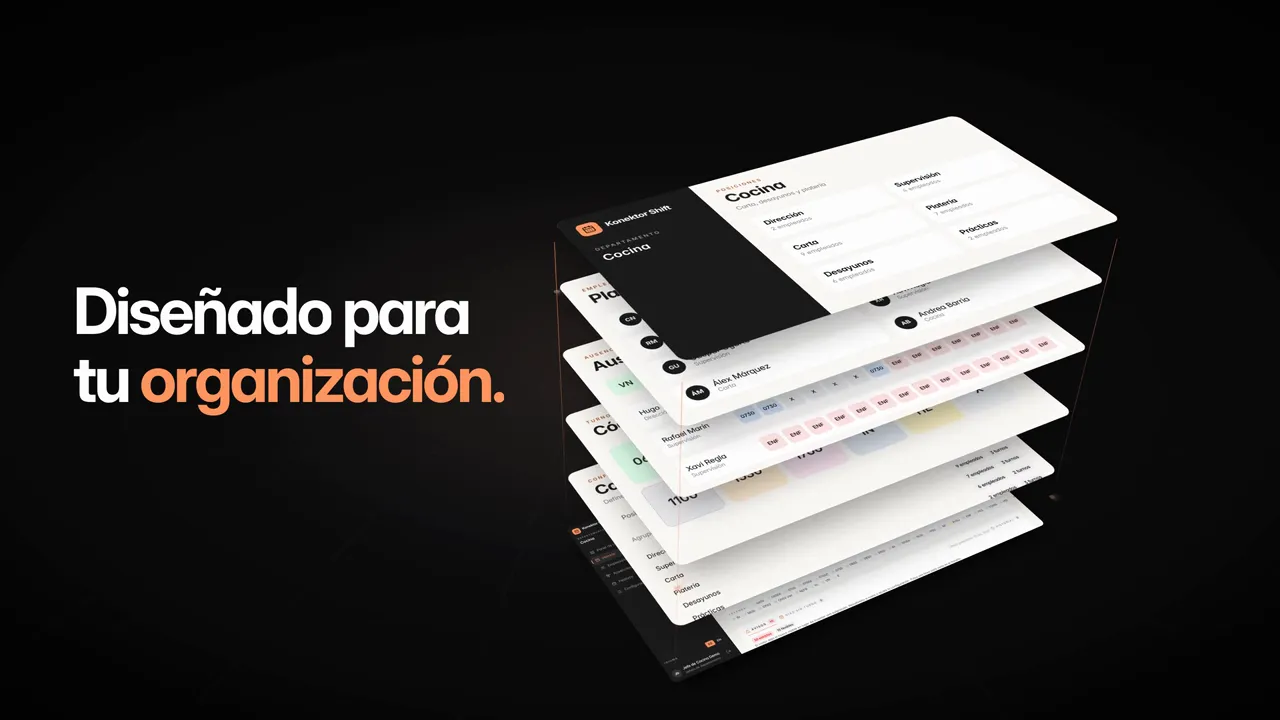
Konektor Shift is staff scheduling software that automatically builds each department's monthly schedule in seconds, taking into account positions, shifts, minimum coverage, holidays, absences and preferences. The manager always reviews, adjusts and approves the result.
The monthly schedule proposal is generated in seconds. What used to be hours of Excel every month becomes a review and a few adjustments.
No. Konektor Shift automates the repetitive work, but the final decision is always the manager's: they get alerts, see the gaps, adjust anything and approve the schedule.
The engine never invents assignments. It leaves the gap visible in the schedule and raises a staffing alert so the manager can solve it by hand or adjust the configuration.
No. Manual changes are kept when regenerating: the engine recalculates the rest of the schedule while respecting what the manager has pinned.
Yes. The approved schedule downloads to Excel in one click, ready to share, print or plug into your current processes.
It was born in hotels, working with Marriott International, and is used today by Hyatt and hotels in Panama and Ecuador. It works for any organisation that schedules shifts: hospitality, restaurants, care homes, clinics, retail, logistics or customer service.
No. It is a web platform and adapts through configuration, not code: each department defines its positions, shifts, coverage and rules. We start from your current Excel schedules to set it up.
The platform is available in Spanish and English, and each user can switch language at any time.
Pricing depends on the size of your organisation and number of departments. Book a free demo and we'll send you a tailored proposal.
Tell us how you schedule today and we'll show you Konektor Shift with a case like yours.